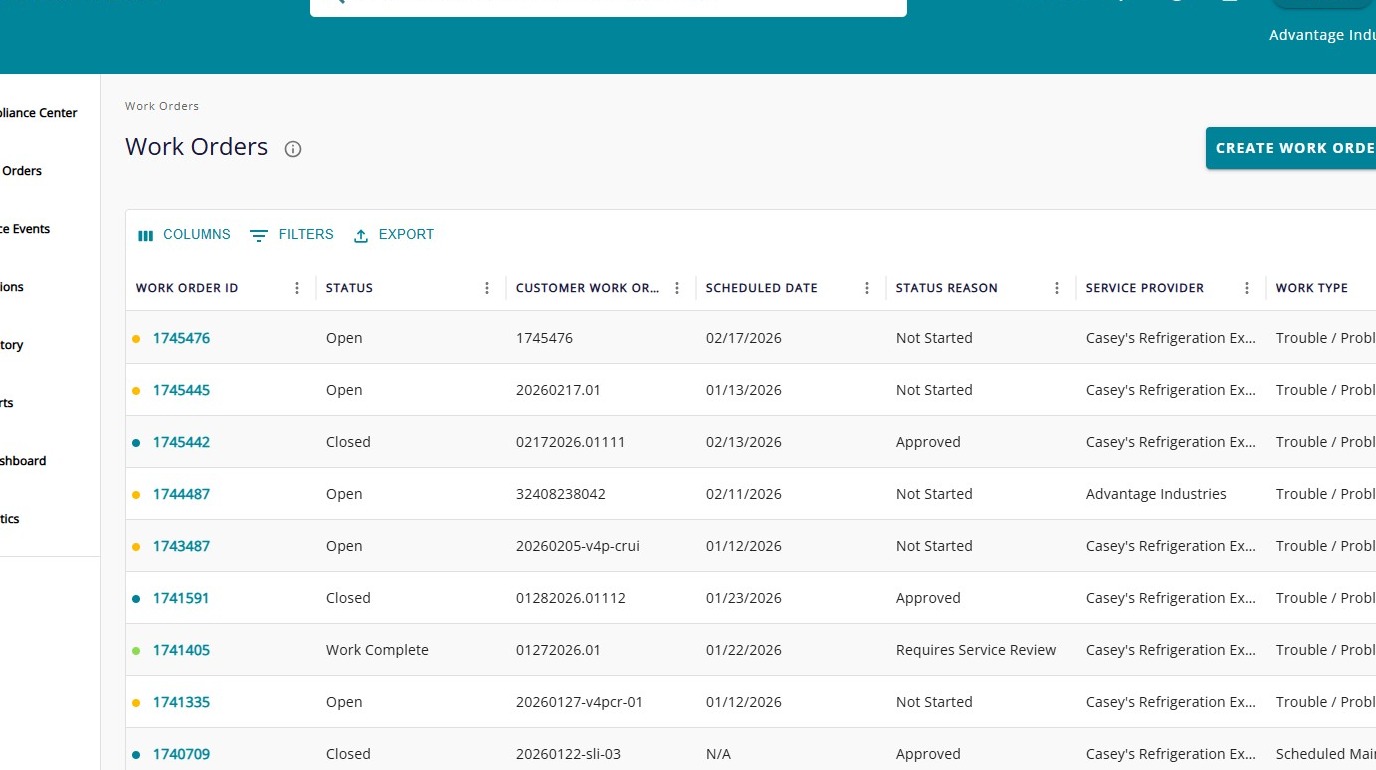
Navigate to https://v4.trakref.com/WorkOrders
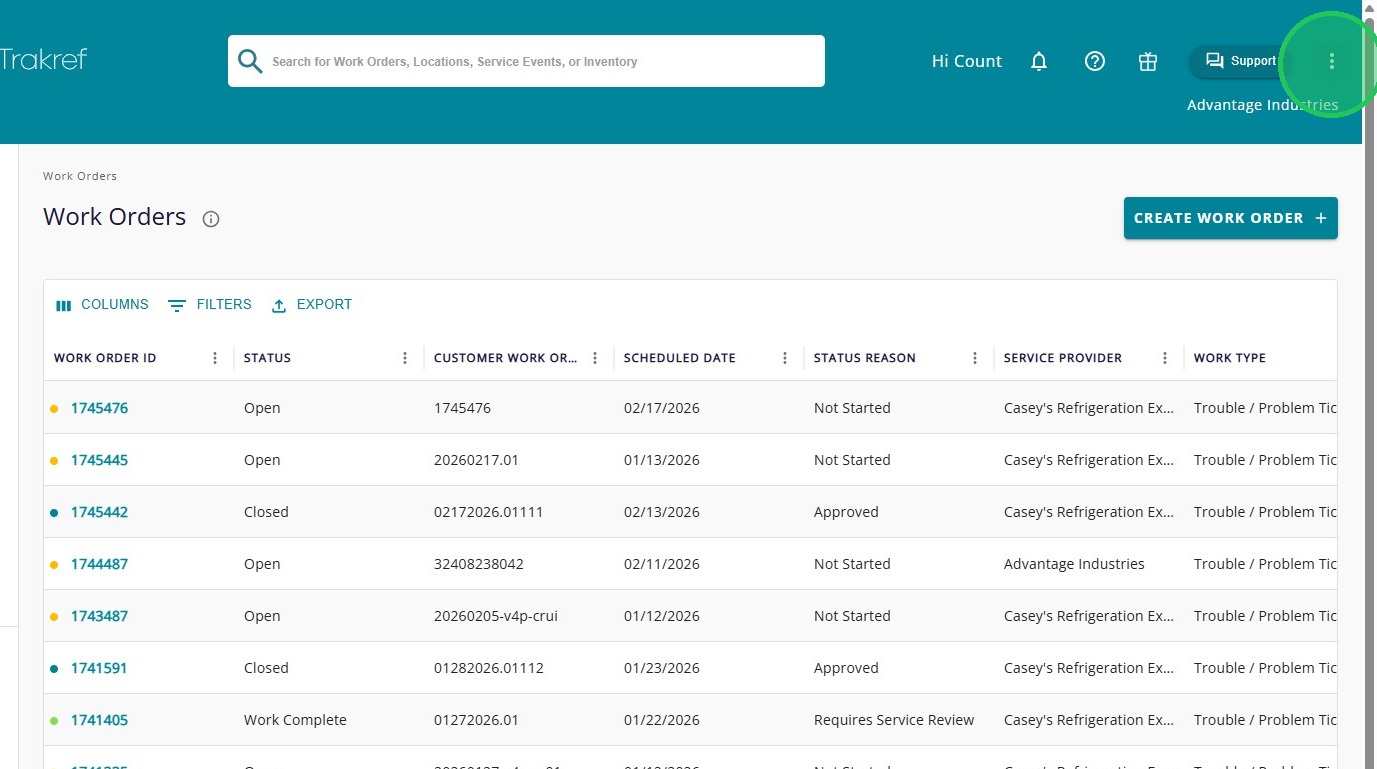
Click the menu icon (⋮) in the top-right corner of the screen.
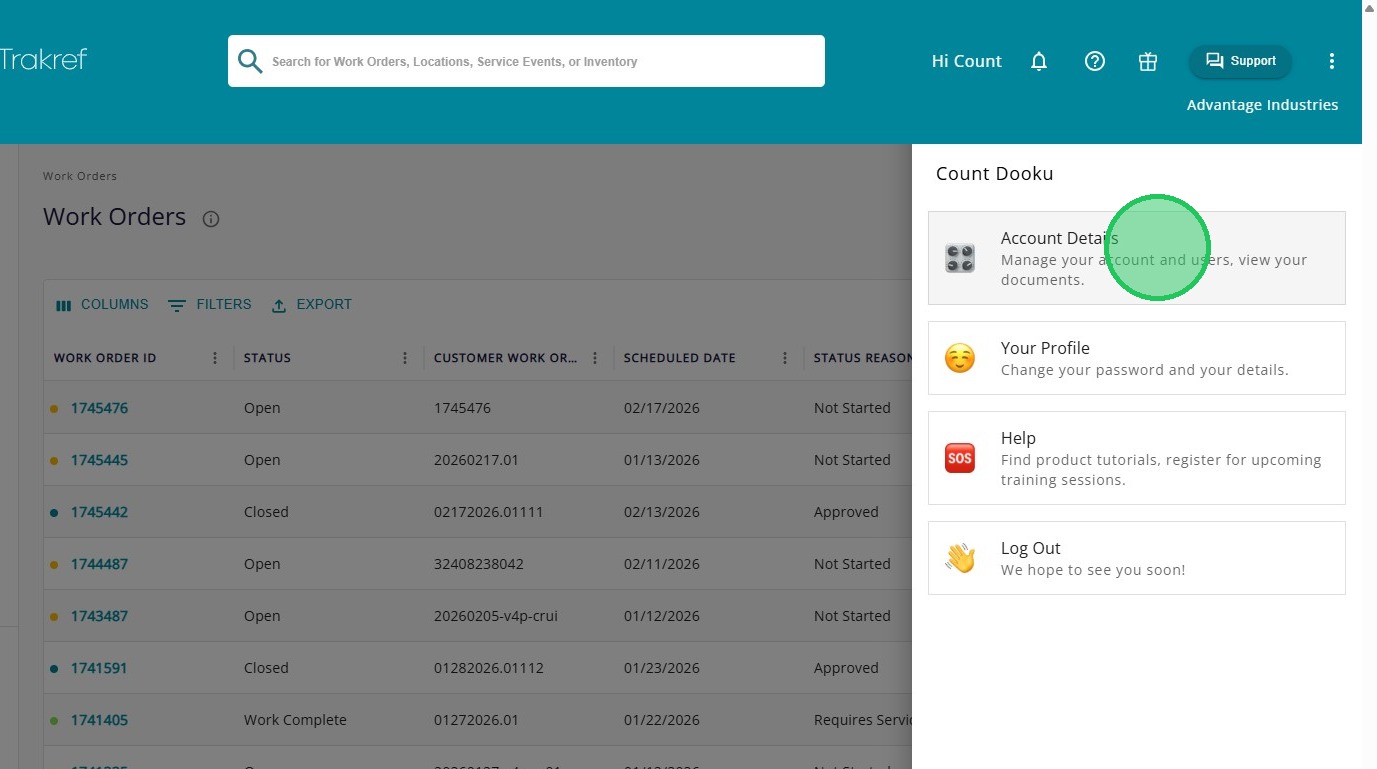
Click "Account Details"
Click "Manage Your Users"
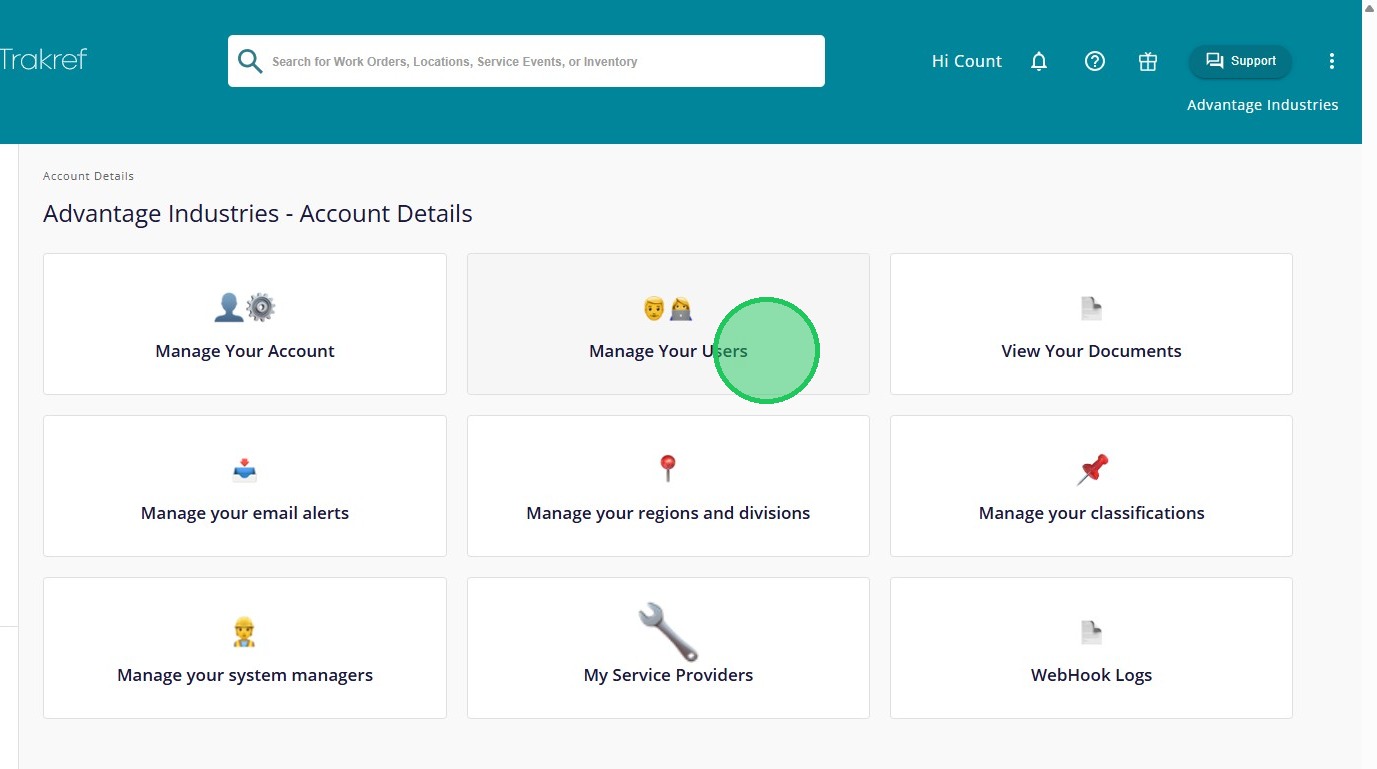
Click "Add User"
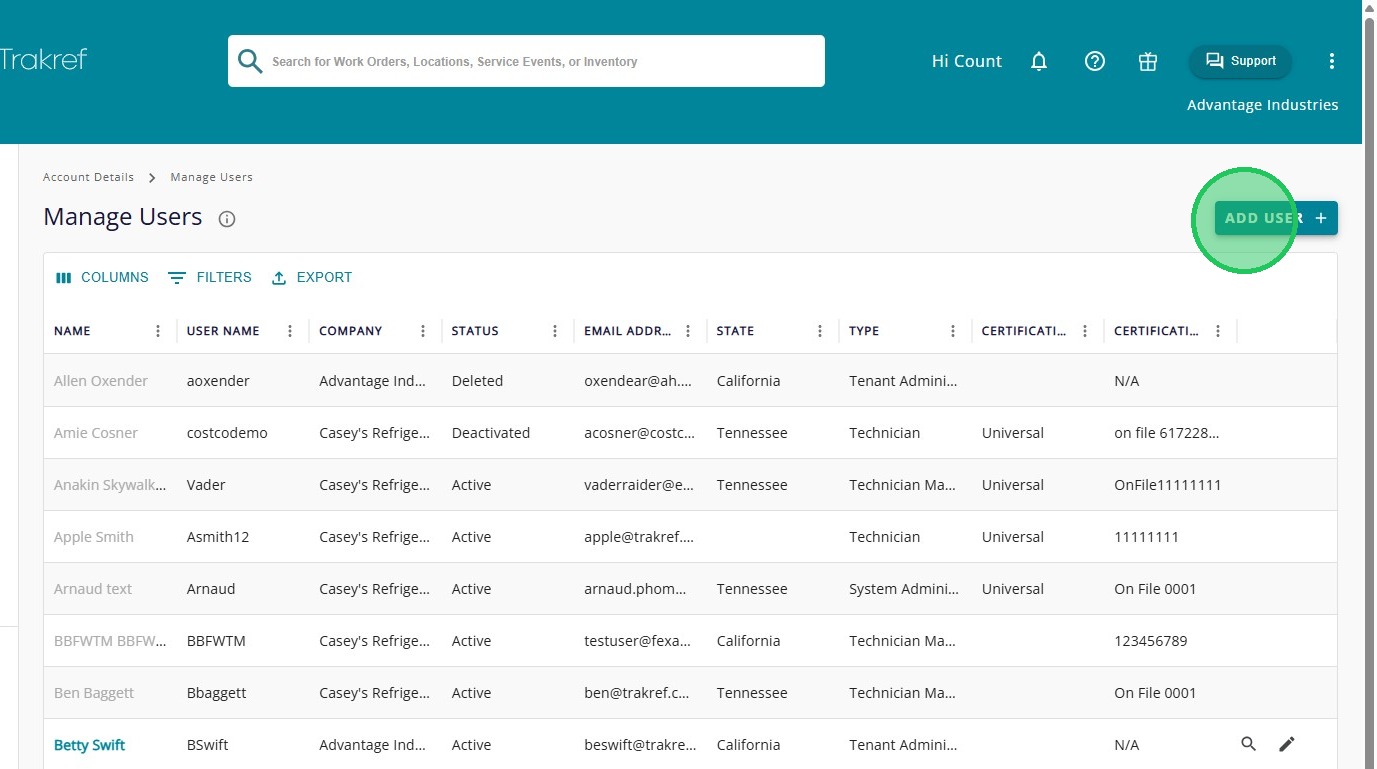
Select the role for the new user. For example, select “Add Technician” to add a technician.
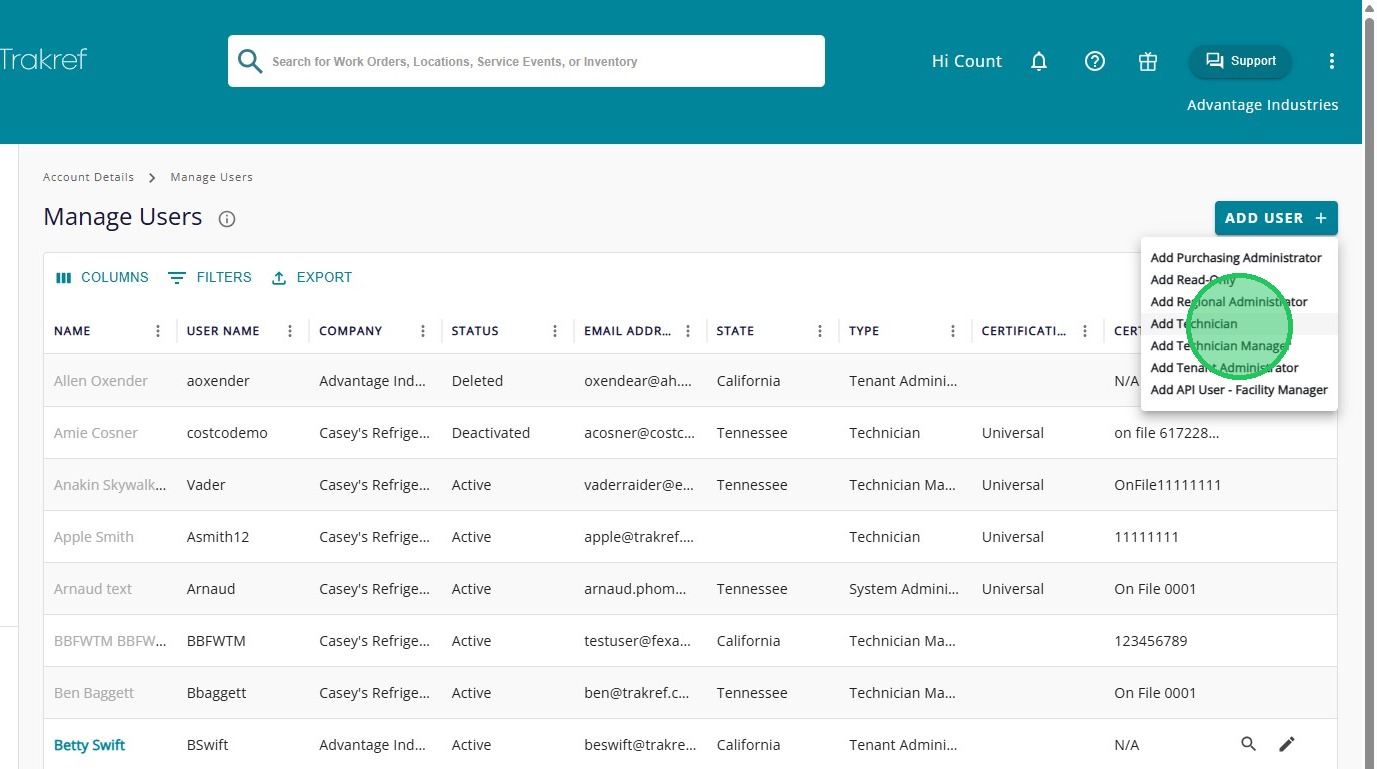
Fill in the "First Name" of the user
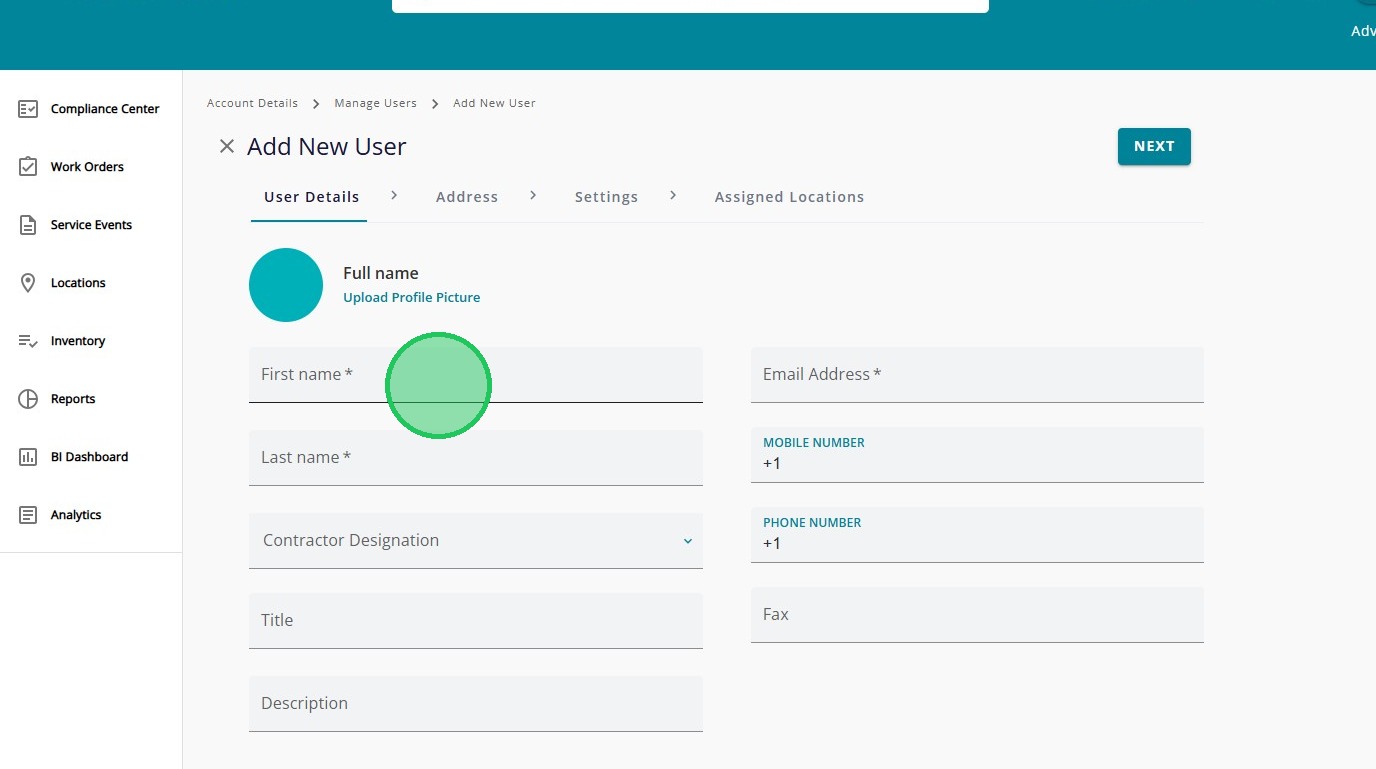
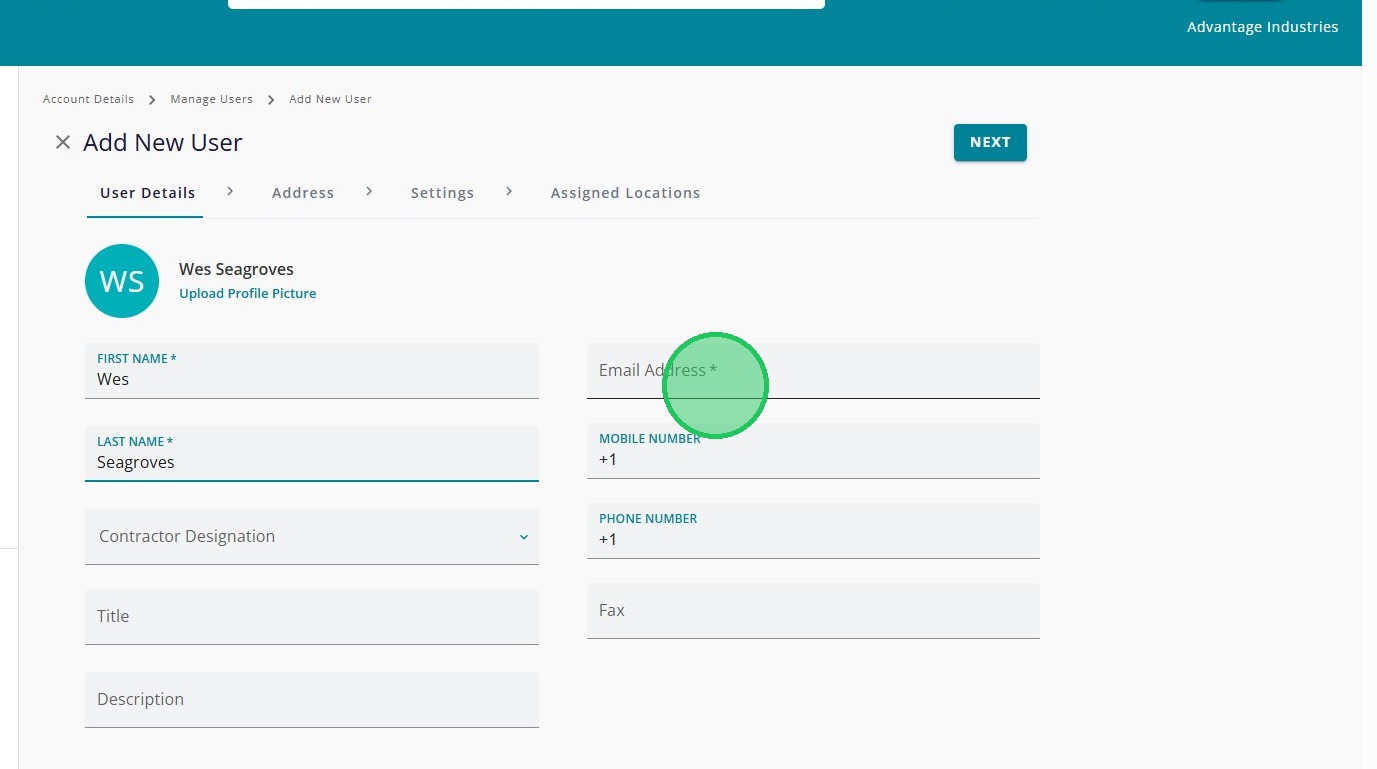
Fill in the "Last Name" of the user
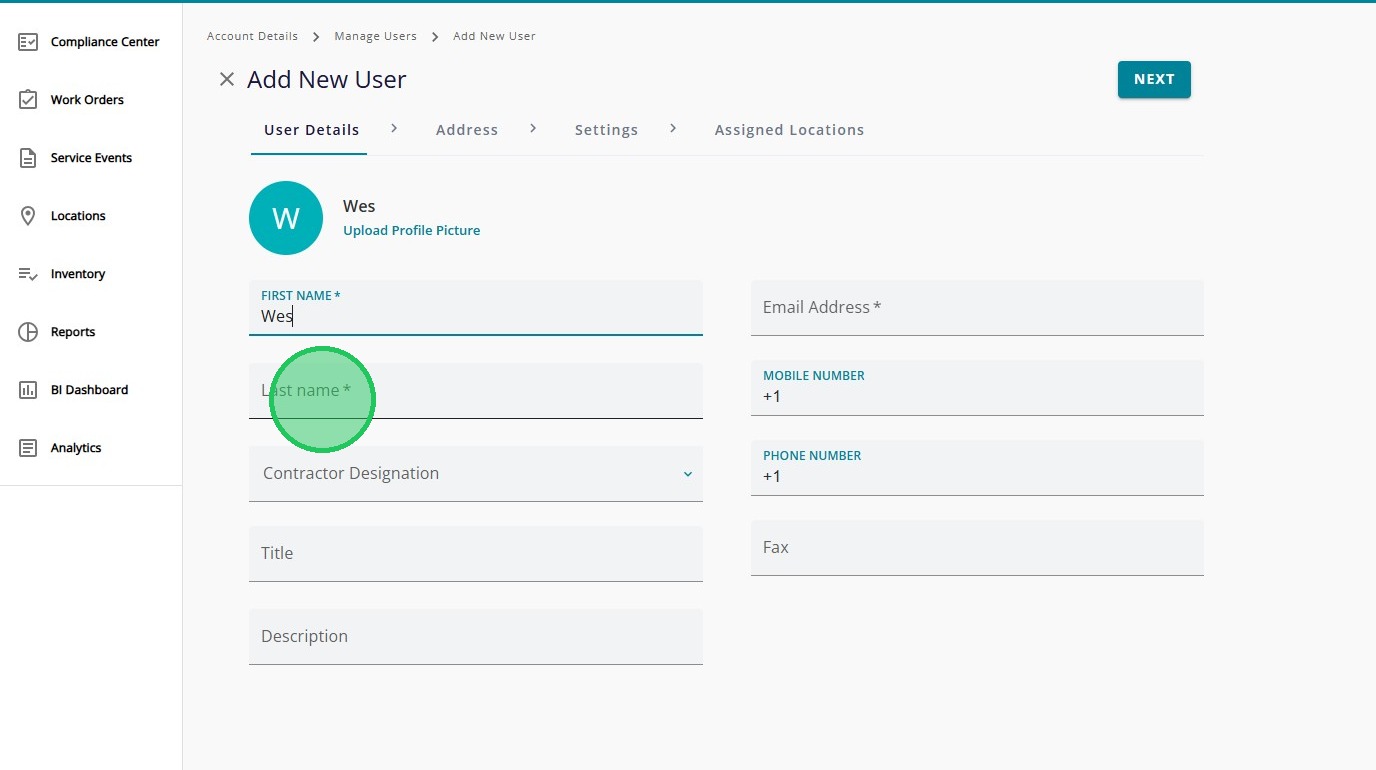
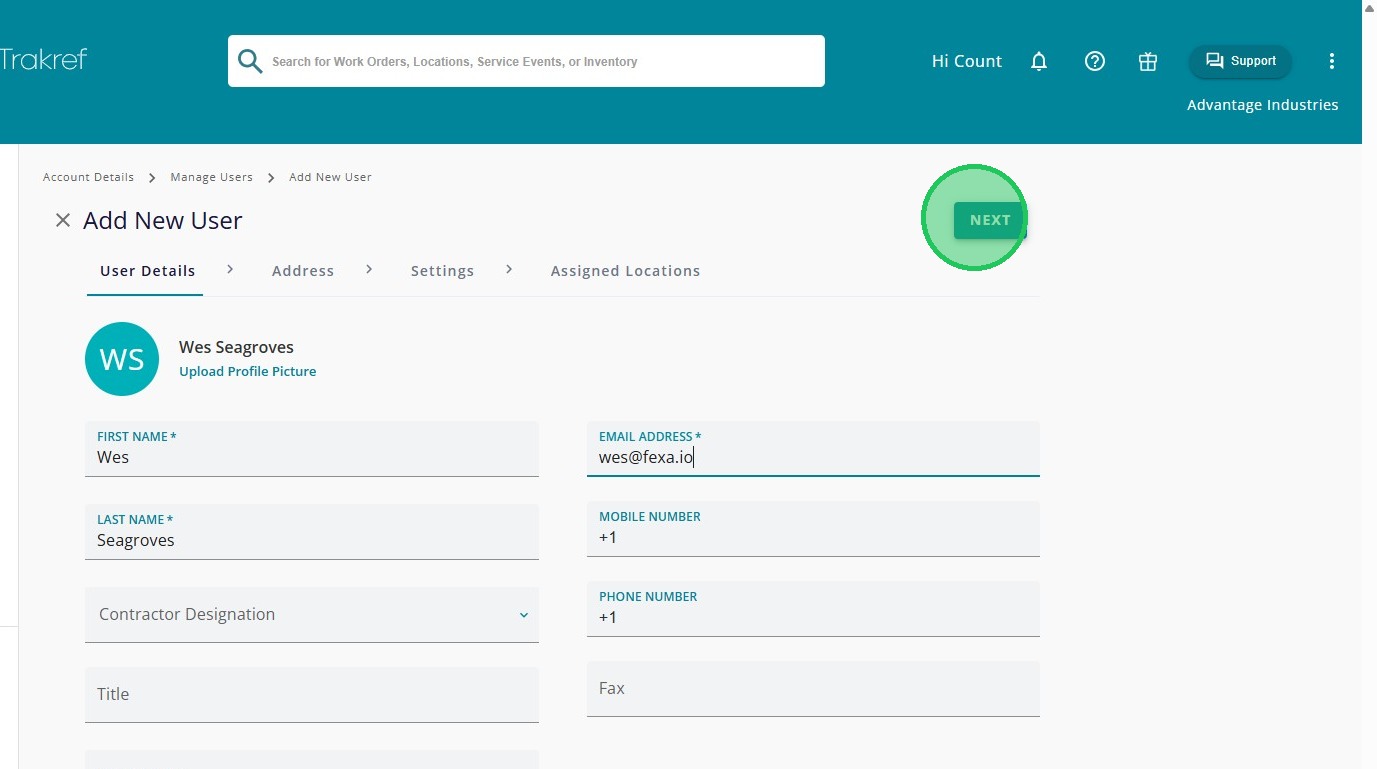
Fill in "Email Address"
Click "Next"
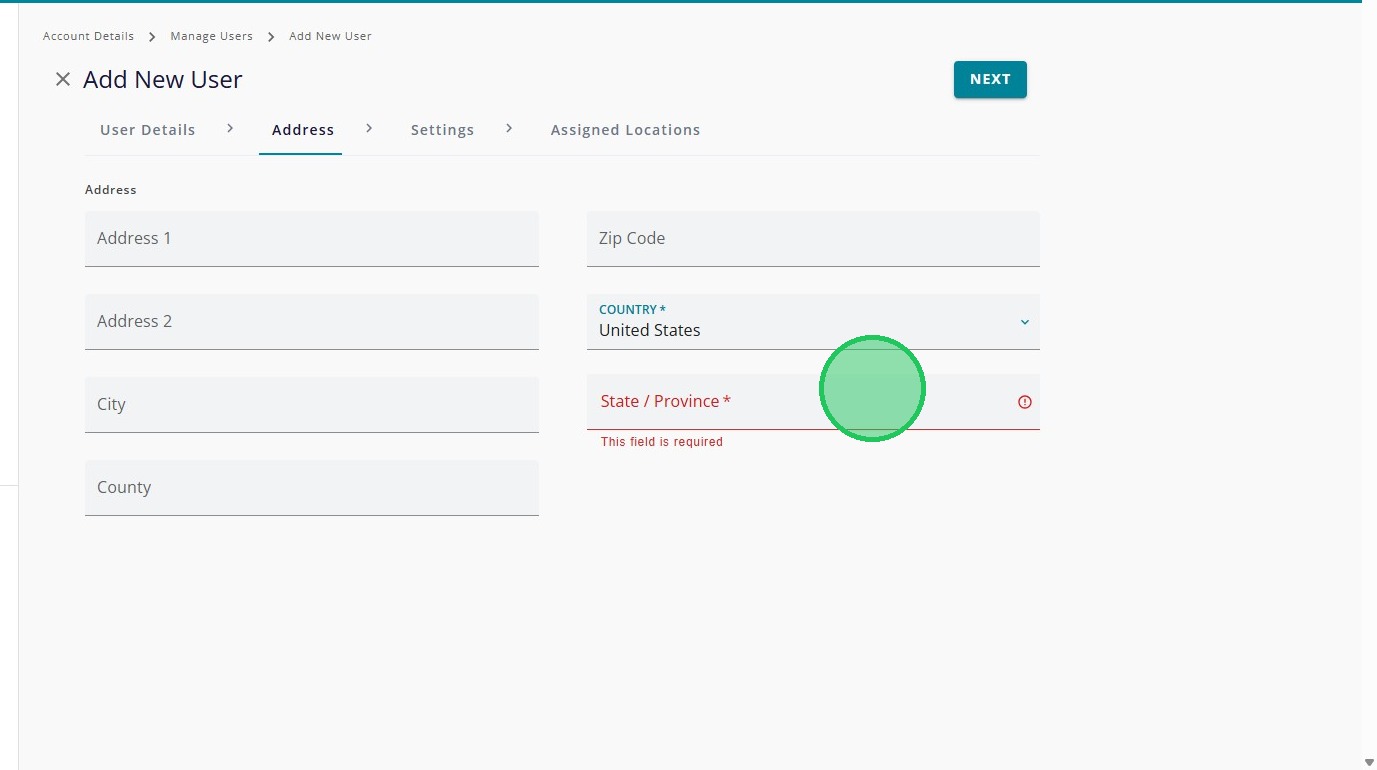
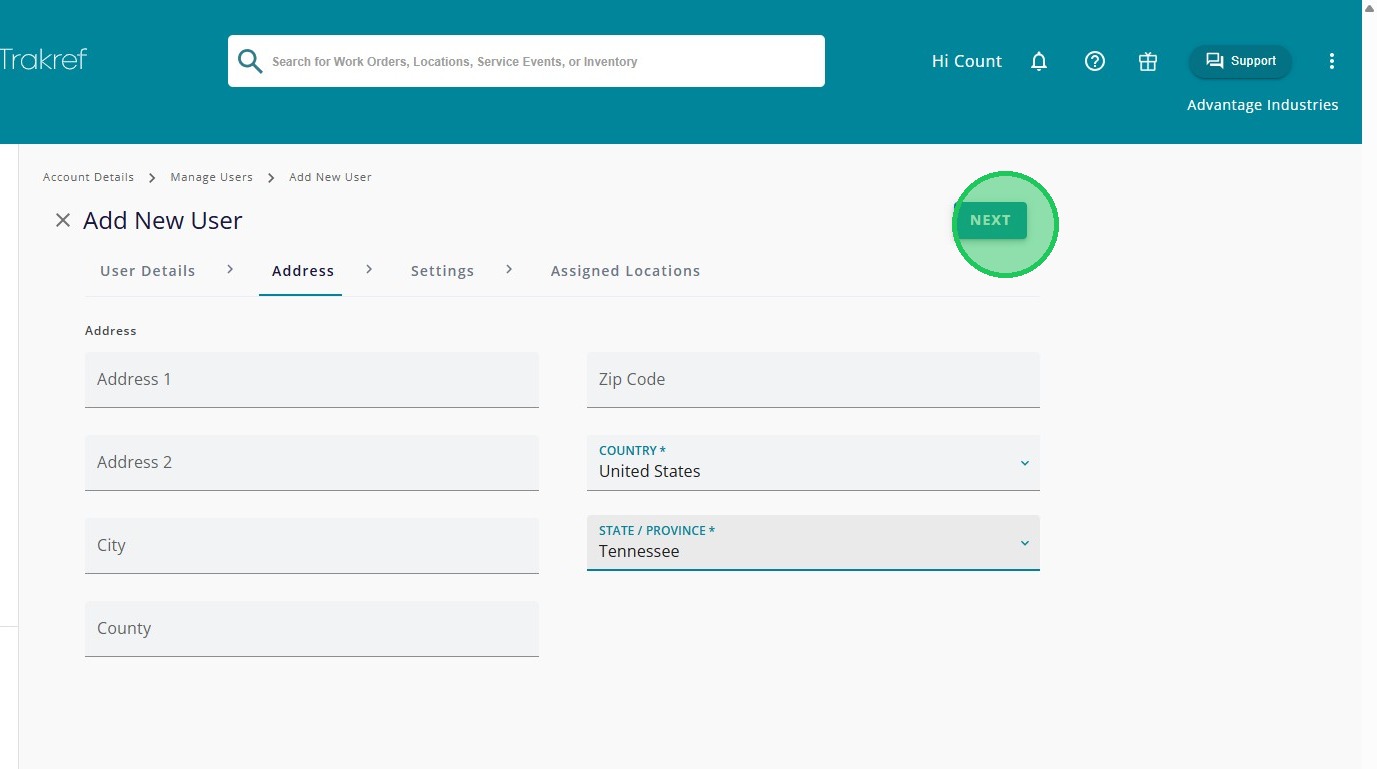
Select the “State” where the user works.
Click "Next"
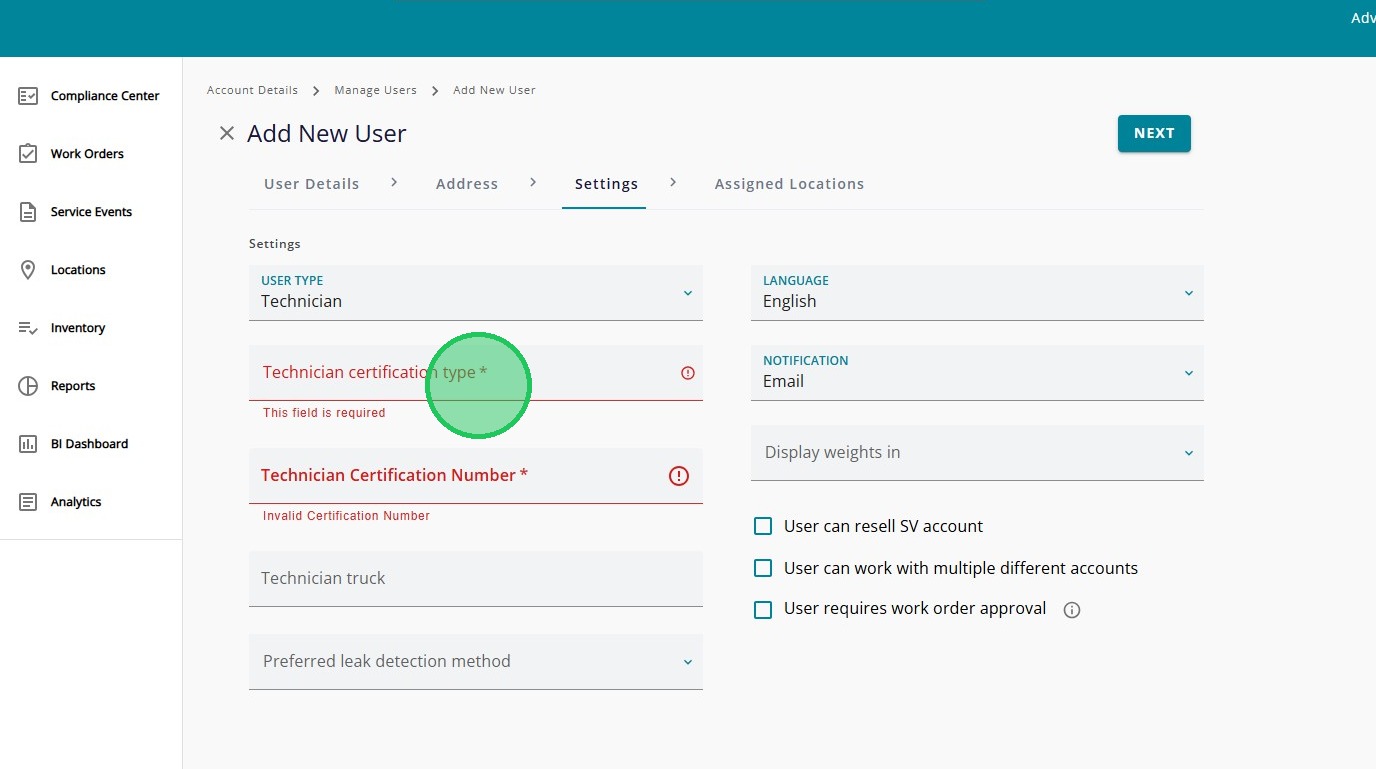
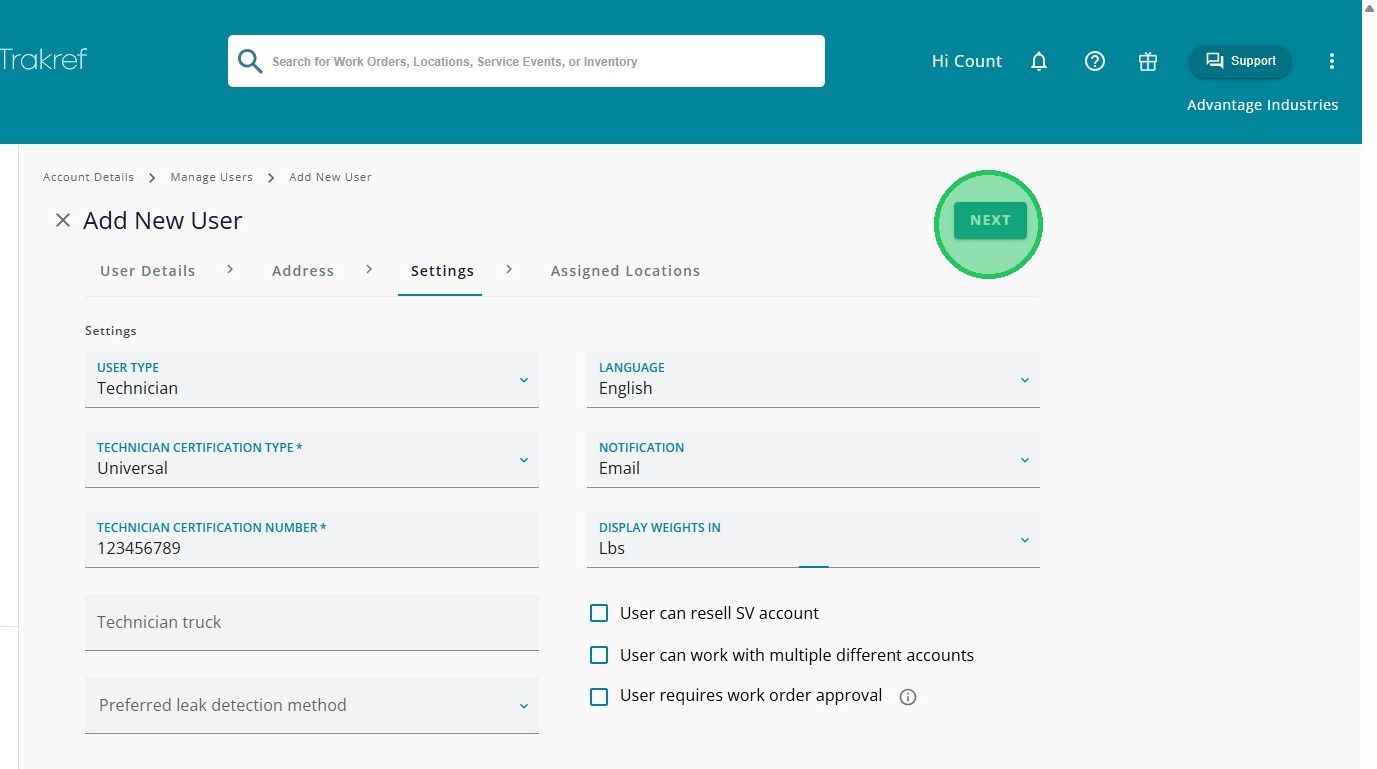
For technician users, fill in the "Technician Certification Type". Only required for technicians. It is optional for all other users.
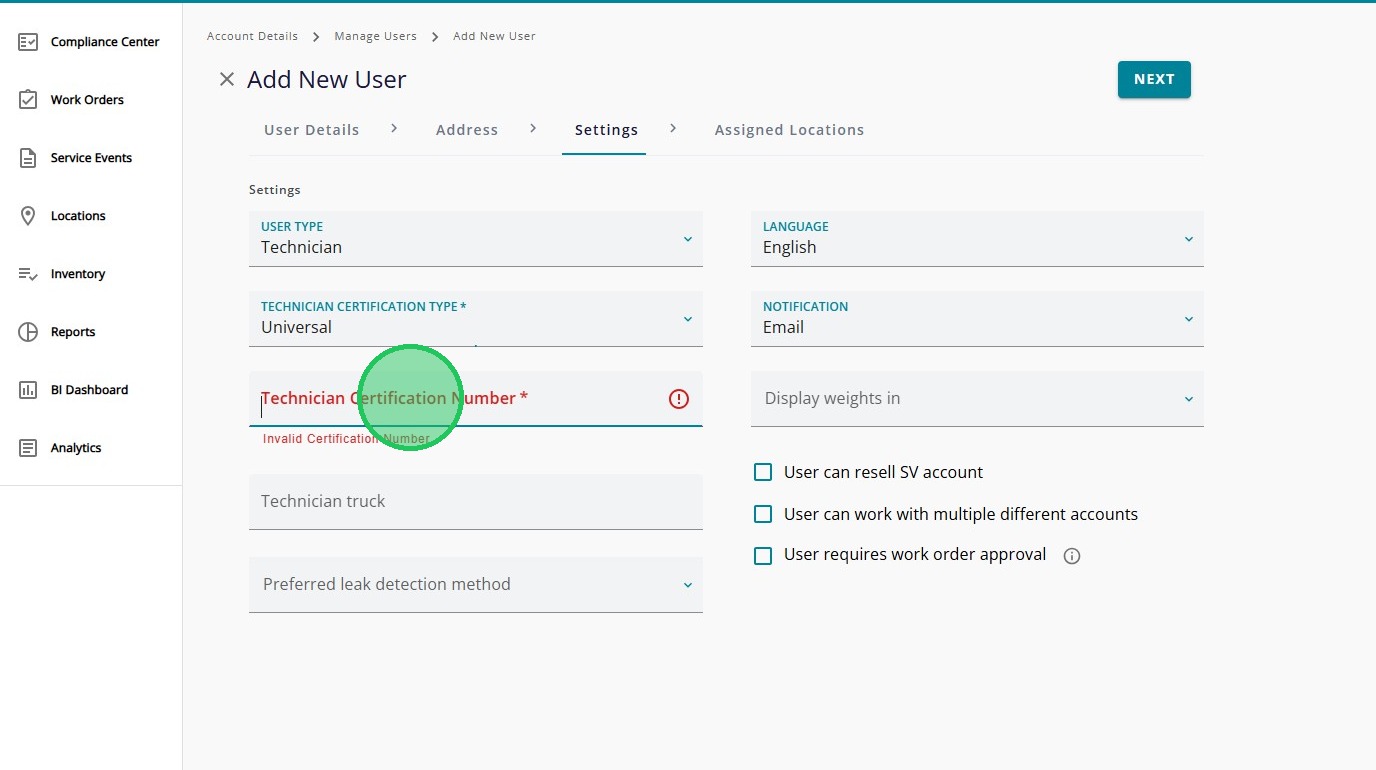
For technician users, fill in the "Technician Certification Number". Only required for technicians. It is optional for all other users.
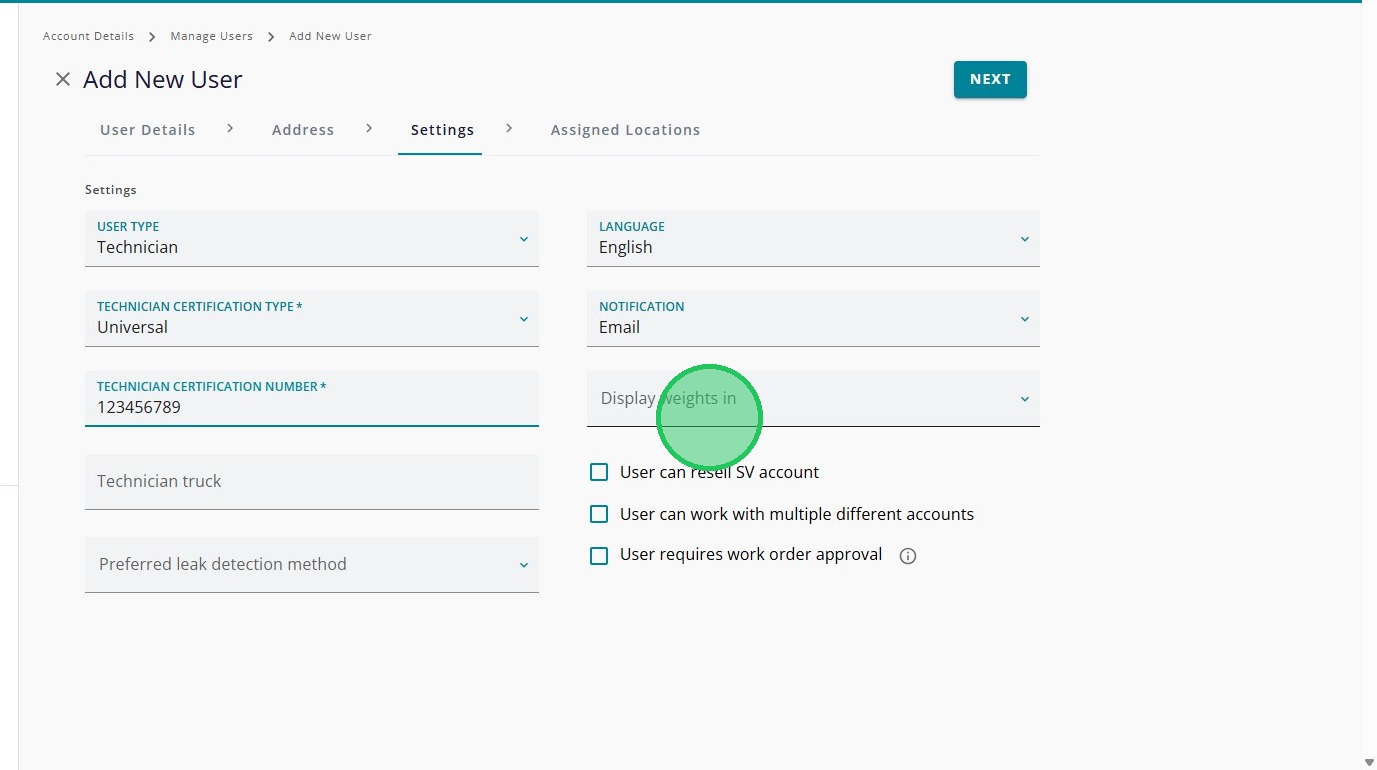
Select the desired “Display Weights In” option from the Settings panel.
Click "Next"
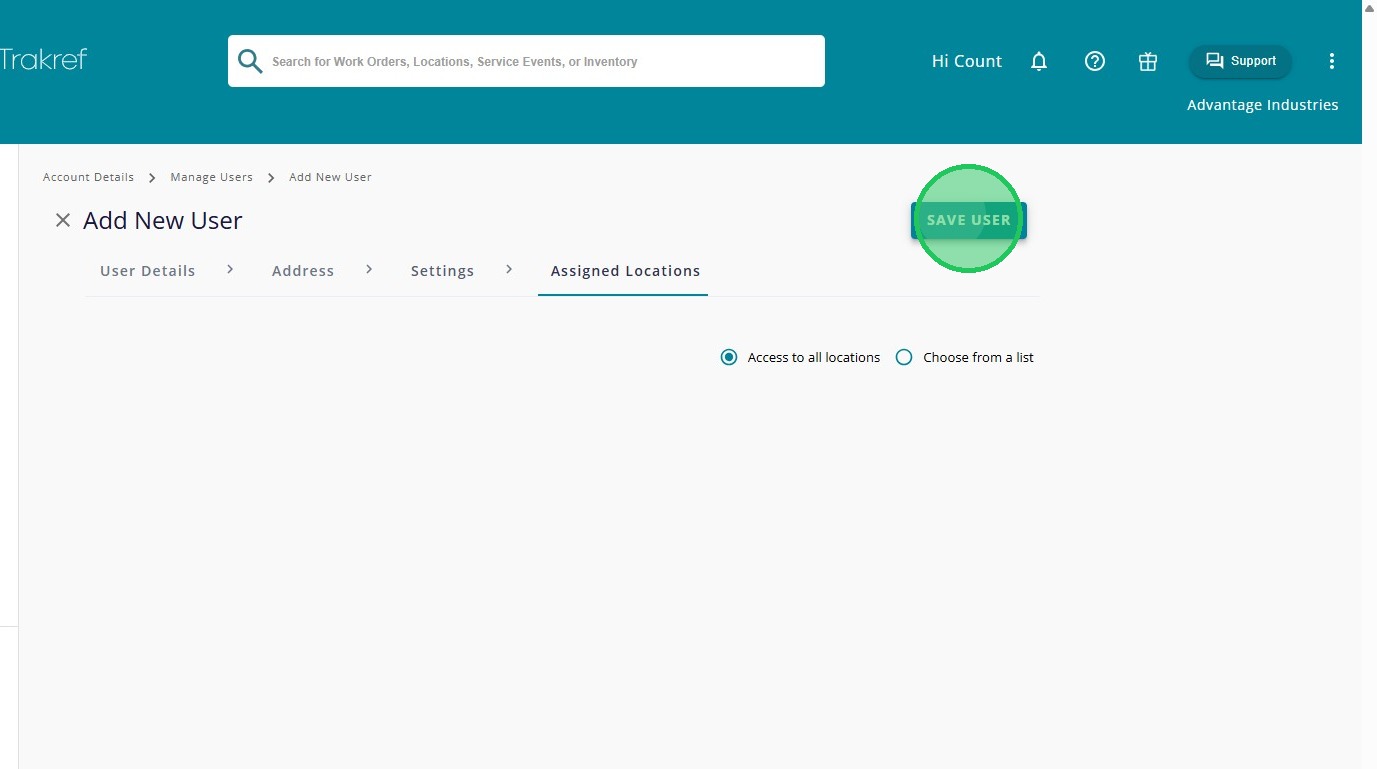
Click "Save User"