This video demonstrates how to recycle cylinders through the inventory menu. It covers selecting cylinders, choosing a reclaimer, and confirming the recycling process efficiently.
1. Access Inventory Menu
To recycle cylinders, first we're going to start with the menu on the top left-hand corner. We'll click on inventory and go to inventory.
2. Select Recycle Option
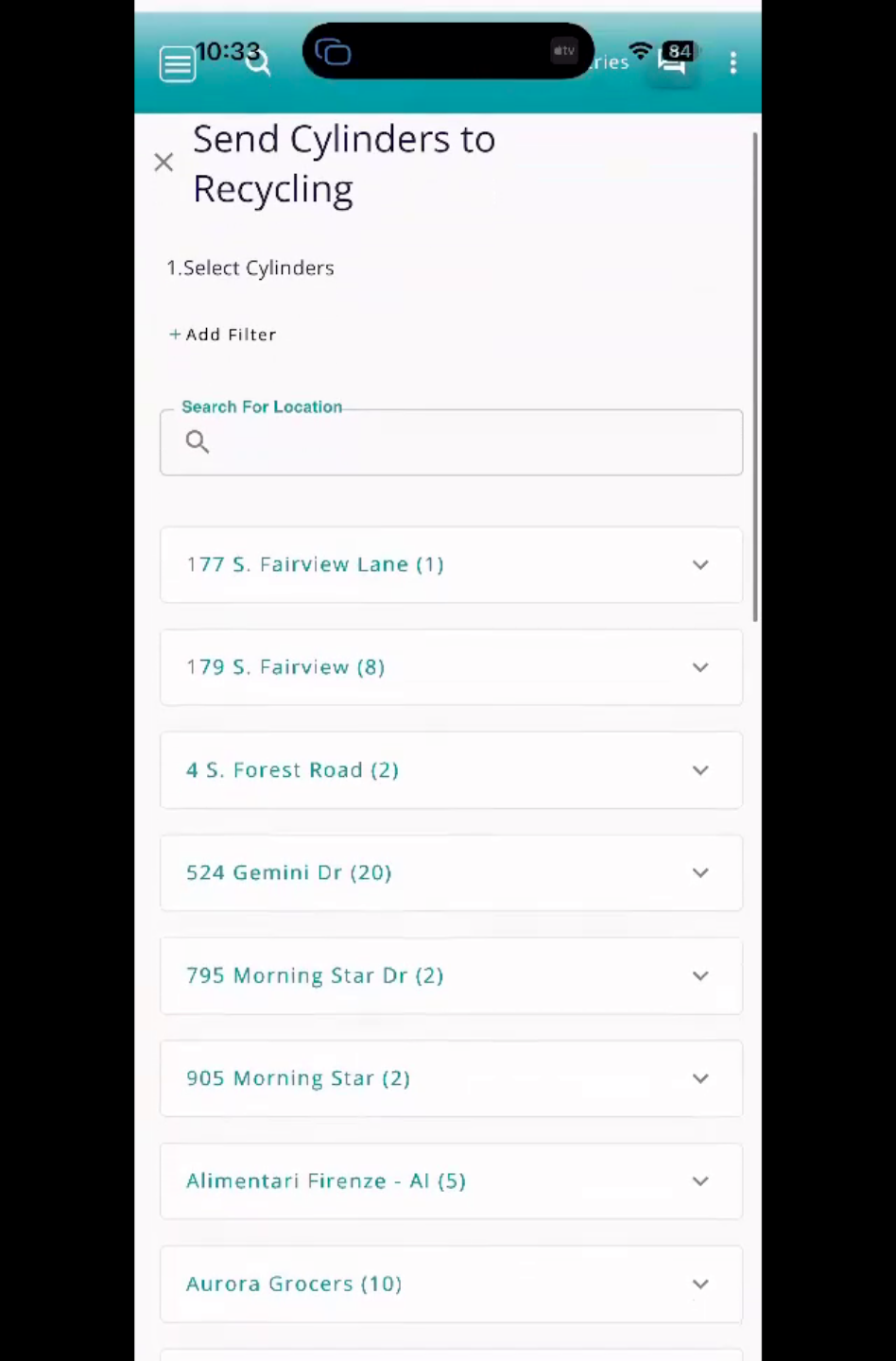
We'll click the recycle icon at the top here, then there are two options: move cylinders and send cylinders to recycling. In this video, we're going to recycle our cylinders, so we'll click on Send Cylinders to Recycling.
3. Choose Cylinders To Recycle
Click on a location to expand the cylinder view. Select the cylinder(s) that need to be recycled.
4. Confirm Recycling And Update
Once you're done selecting cylinders, set the Send To destination, and enter the Date. Then select the Send Cylinders To Recycling button and the cylinders will be updated and sent to the reclaimer. They will no longer be available for use after that.